Guest viewing is limited
- You have a limited number of page views remaining
- 3 guest views remaining
- Register now to remove this limitation
- Already a member? Click here to login


You are using an out of date browser. It may not display this or other websites correctly.
You should upgrade or use an alternative browser.
You should upgrade or use an alternative browser.
Easyload.io - Share with no limits | Fast Support & Service
- Thread starter NinjaStream
- Start date
-
- Tags
- file host




- Status
- Not open for further replies.

NinjaStream
Active Member
FIxed, thanks for the report.

Post automatically merged:
Hello,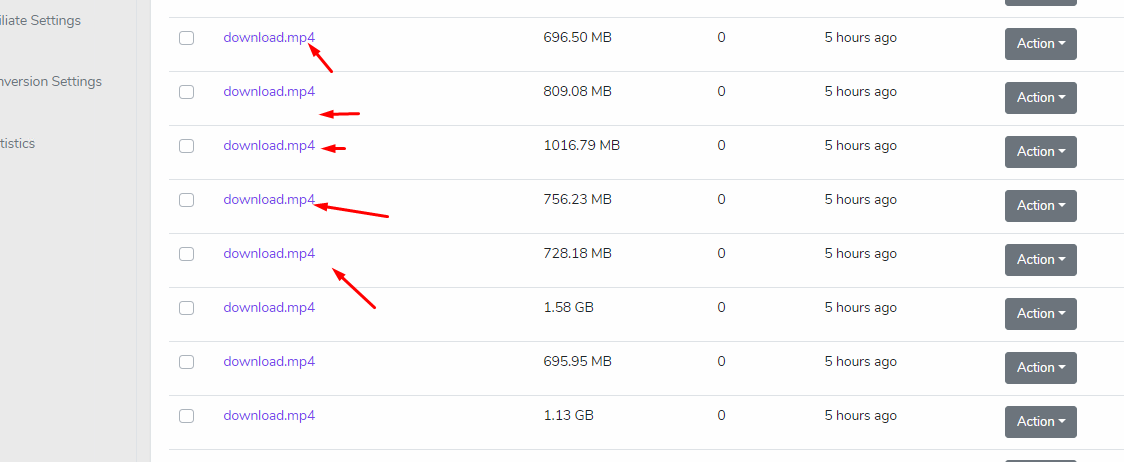
Any remote uploaded file is renamed to 'download.mp4'
Why is this happening since morning?
It is probably because of the given url. youtube-dl will try to get it's tittle. if they are unable to get the tittle. they will rename it to what is url supposed to be named.
If you want this to get fixed, kindly create an issue here.
ytdl-org/youtube-dl
Command-line program to download videos from YouTube.com and other video sites - ytdl-org/youtube-dl
 github.com
thank you.
Thanks! It was finding names just fine yesterday. But this will take many days to fix the issue.
I have a better idea - Can you simply give file ID with API response on remote upload? That way I can upload and rename on the go. It will also help other webmasters I am sure.
I have a better idea - Can you simply give file ID with API response on remote upload? That way I can upload and rename on the go. It will also help other webmasters I am sure.
NinjaStream
Active Member
Hello,Thanks! It was finding names just fine yesterday. But this will take many days to fix the issue.
I have a better idea - Can you simply give file ID with API response on remote upload? That way I can upload and rename on the go. It will also help other webmasters I am sure.
It's on the remote check status.
API
Simply get the url given id. -> check the status of the given id -> get the returned url -> that is your file id on it.
NinjaStream
Active Member
Hello,Error when request to URL api.easyload.io to upload
"The underlying connection was closed: An unexpected error occurred on a send."
Let me check.
Post automatically merged:
Hello,Error when request to URL api.easyload.io to upload
"The underlying connection was closed: An unexpected error occurred on a send."
It works perfectly now. It was a bug before because the proxy server got down and slow.

PS: I recommend to use the generate api instead of using the main url.
that server has quite short storage space while it has some speed on it. I have ordered a new server, it will be added later after the activation on it.
Last edited:
Thanks, first I tried this. But it's not possible to do this with a mass of links, so please return it on the get request with remote upload?Hello,
It's on the remote check status.
API
easyload.io
Simply get the url given id. -> check the status of the given id -> get the returned url -> that is your file id on it.
NinjaStream
Active Member
Hello,Thanks, first I tried this. But it's not possible to do this with a mass of links, so please return it on the get request with remote upload?
And, it is also not possible for us to add a file with a link only. The file must be downloaded first.
If you want, I can help you with your script. PM me. I'll take a look of it. there's so many ways to do the trick on that thing.
NinjaStream
Active Member
Hello,Hello,
Thanks for your update,
Can you increase the duration of the temporary URL?
I think it can be increased to 1 hour or 2 hours.
Noted, I will add another parameter for an expiration. Thanks.

ifsaciyizco
Active Member
are you file host or video host? i have a adult video website. can i use your platfrom for this?
NinjaStream
Active Member
Hello,
It seems that the server is being attack. I'll take a look of it.
It seems that the server is being attack. I'll take a look of it.
NinjaStream
Active Member
Hello,Buffer speed is very slow, only around 30~40Kb/s, video keeps buffering
Post automatically merged:
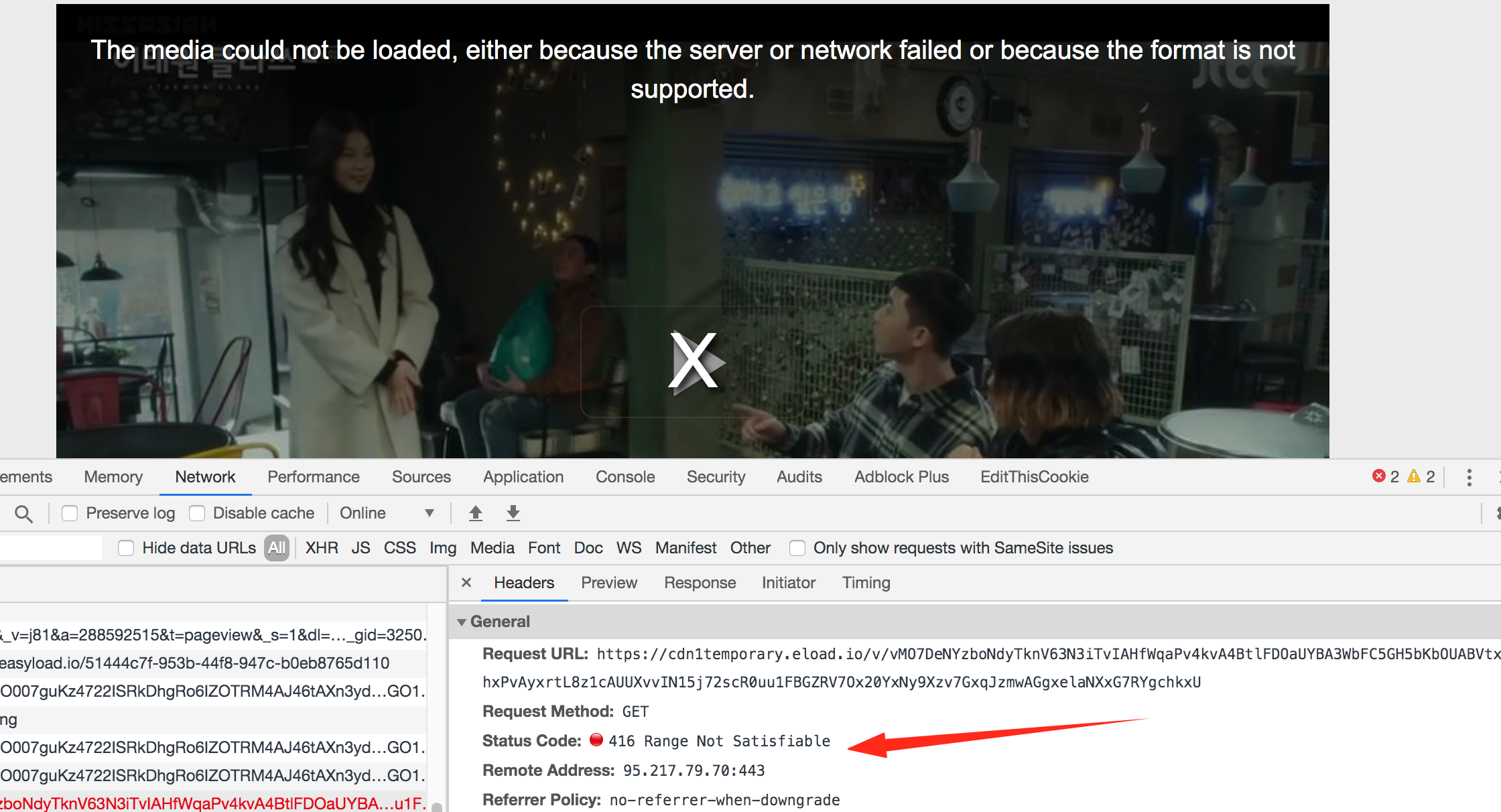
The server is currently being attacked, I am working on it. I am also optimizing the stream code to make it faster and quick.

- Status
- Not open for further replies.