Filemoon.sx - HLS CDN Streaming | Lifetime Storage | Custom Ads | Custom Domain | Auto-Payouts | Anti Clone

Status
Not open for further replies.

Byse

Active Member
Corporate Membership
912
2022
729
12,870
Hello Everyone!

My name is David and i'll be your affiliate manager from FileMoon here.

- About Hosting
  • Adult file content is allowed
  • No file expiry
  • Global CDN system for streaming your videos
  • Multiple ad modes
  • Automatic payouts
  • Custom Ads
  • Custom Domain

- FAQ

Q: How you service is different from other hosting sites ?

  • Custom Domain - You can set your own domain for embeds to avoid ISP blocking.
  • Custom Ads - You can set your own ads into the player.
  • Multi Earning Modes - You can select different earnings mode for views and downloads.
  • Anti Clone - You can block other users from cloning your videos.
  • Auto Payouts - After 5th payment you can enable auto payouts.
  • No Expiry - Your files will be stored lifetime doesn't matter if you're big uploader or small one. As long as you don't abuse us.
  • Quality Selection - You can decide if you want to have 1080p videos encoding or any other quality we offer (360,480,720,1080p encoding).
  • Account Type - You can select your account type to avoid adult ads at your videos.
  • Minimum Ads - Our 100% earning mode contains 2 pops and 1 In Page Push ad.

Q: Do you ignore copyright ?
  • We don't our service is long term and we cannot ignore lawfully sent copyright takedown reports.
Q: What is minimum payout amount ?
  • 25$ for all payout methods.


- Our affiliate program can be found here: https://filemoon.sx/affiliate
- Quick registration link: https://filemoon.sx/register
- Payout options: Bitcoin, Bitcoin Cash, Ethereum, XRP, Litecoin, Payeer,Tron(TRX), USDT - (Tether),AdvCash
- ZOOM Uploader is SUPPORTED
- THEMACREATOR is SUPPORTED
- Upload methods: WEB / FTP / REMOTE


You can contact us 24/7 using following methods:

Telegram: @filemoon_official
E-Mail: contact@filemoon.to
WJ: Private Message
 
Last edited:
3,470 comments
The anti-adblocker is broken and gives this error instead of the usual message
"Could not find the IP-address to the server on adblock."

custom ads from user 0% earnings not working it only shows ads from you for 2 popups can you check?

This will be checked and eventually fixed if we detect such problem. Please allow us 1-2 hours in order to verify mentoined issues.

Small update on filemoon, we're boosting rates again ;) In 2-3 hours we will update rates as follows:

Tier1 - 40 -> 45$
Tier2 - 25$ -> 30$
Tier3 - 15$ -> 20$
Tier4 - 11$ -> 16$
Tier5- 7$ -> 9$ (All other countries not mentoined in tier list.).

Cheers :cocktail:
 
Is it possible to remove the advertisement provided by you? I don't want my viewers to experience the advertisement

Yes its possible, for that you need Premium Bandwidth


How do the custom ads work ?

Quite simple, instead of us paying you for views you go with 0% earnings, configure your own ads via direct link and we trigger it as pops so adnetwork pays you directly, you can select any adnetwork to cooperate with, that you want.
 
Quite simple, instead of us paying you for views you go with 0% earnings, configure your own ads via direct link and we trigger it as pops so adnetwork pays you directly, you can select any adnetwork to cooperate with, that you want.

I was thinking that I might be able to drop in ads for my own sites and services.
 
paypal dont work? @FileMoon

We don't support paypal for a while and don't plan to support it for now, too many problems with this payout method.

I was thinking that I might be able to drop in ads for my own sites and services.

Well it's a good idea to run custom ads when you have decent traffic volumes, when you have smaller volumes it's better to use earnings mode as adnetworks don't pay much to users if they have smaller traffic.


Error message is gone but anti-adblocker isn't working at all now

We disabled this feature for now and working on it.
custom ads from user 0% earnings not working it only shows ads from you for 2 popups can you check?

We found the issue and have done a fixes yesterday, now ads will display correctly no matter how you configure the pops.
 
We don't support paypal for a while and don't plan to support it for now, too many problems with this payout method.

Paypal is a piece of shit!

There's nothing like having your money seized. Or, reports about your activity sent to your bank.
OR... the fact that Paypal donates money to organizations who lobby the government for censorship.

My advice to anyone who wants to use paypal is : USE CRYPTO !

And if you're in a nation in which crypto is illegal then either
(-1-) Break the Law or...
(-2-) Move to another nation Or...
(-3-) Get a job as a Walmart greeter.
 
Dear Users,


We're doing changes to our rates again, we've decided to add Tier5.

Tier5 - 12$

Countries:

Indonesia, Poland, Egypt, Taiwan, Ecuador, Bangladesh, Venezuela, Bolivia, Nepal, Pakistan

Tier6 - Not listed in tables (All other countries) - 9$


Changes will be deployed to filemoon within hour.
 
Hi there,

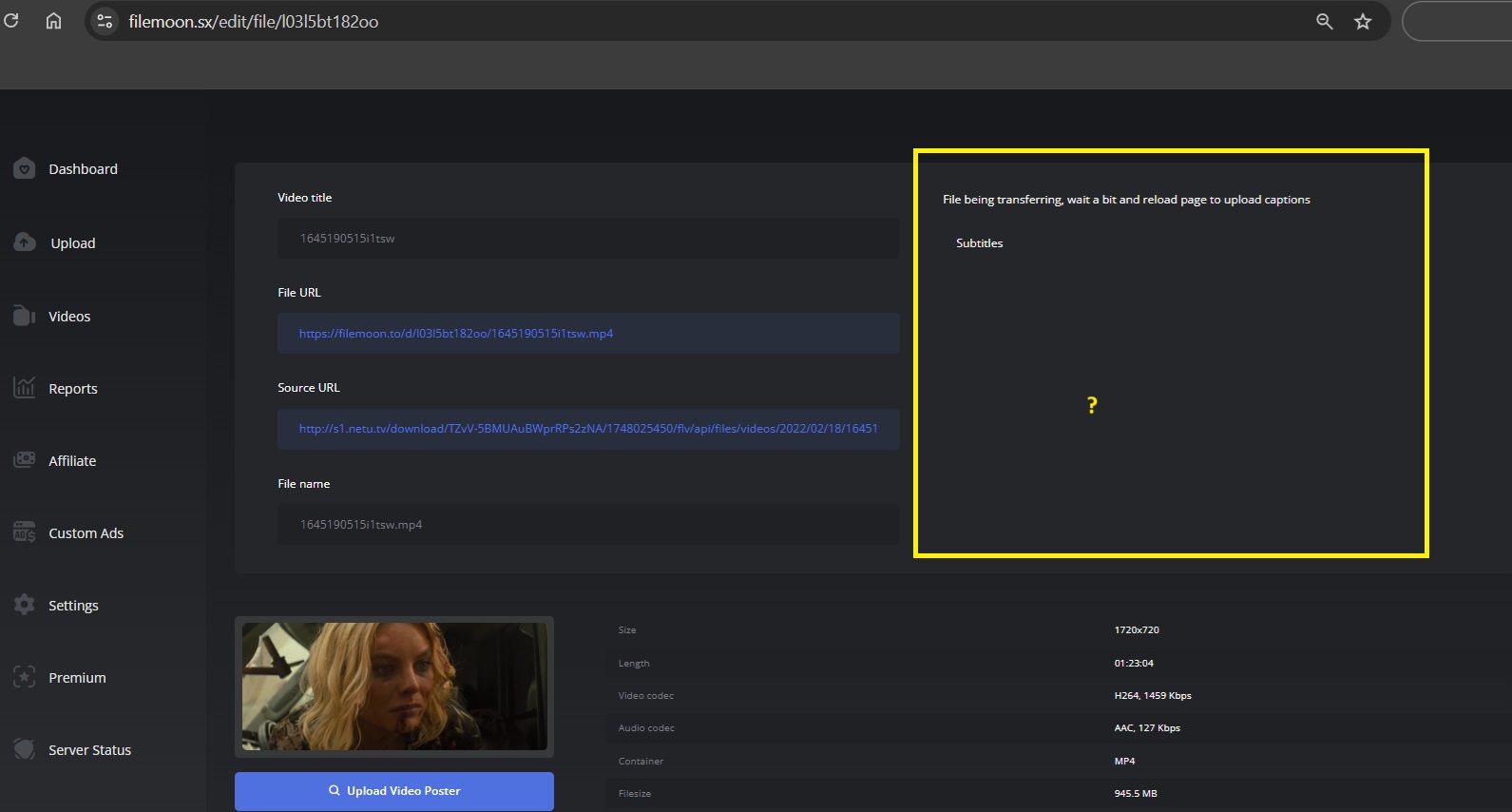
I wrote in chat on website but no one is answering for a while. I am experiencing an issue with transfering videos to Filemoon. Exactly, when I do Remote upload, normally there is a time while video is transfering to Filemoon server but even when is done, I can play video but cant upload subtitles on it. Its like this option is bugged. It started yesterday, and it happens from time to time, but now is happening most of the times and I cant place videos without subtitles on my website. Can you please check where is a problem and fix it? I even left video 24h and still doesnt working.

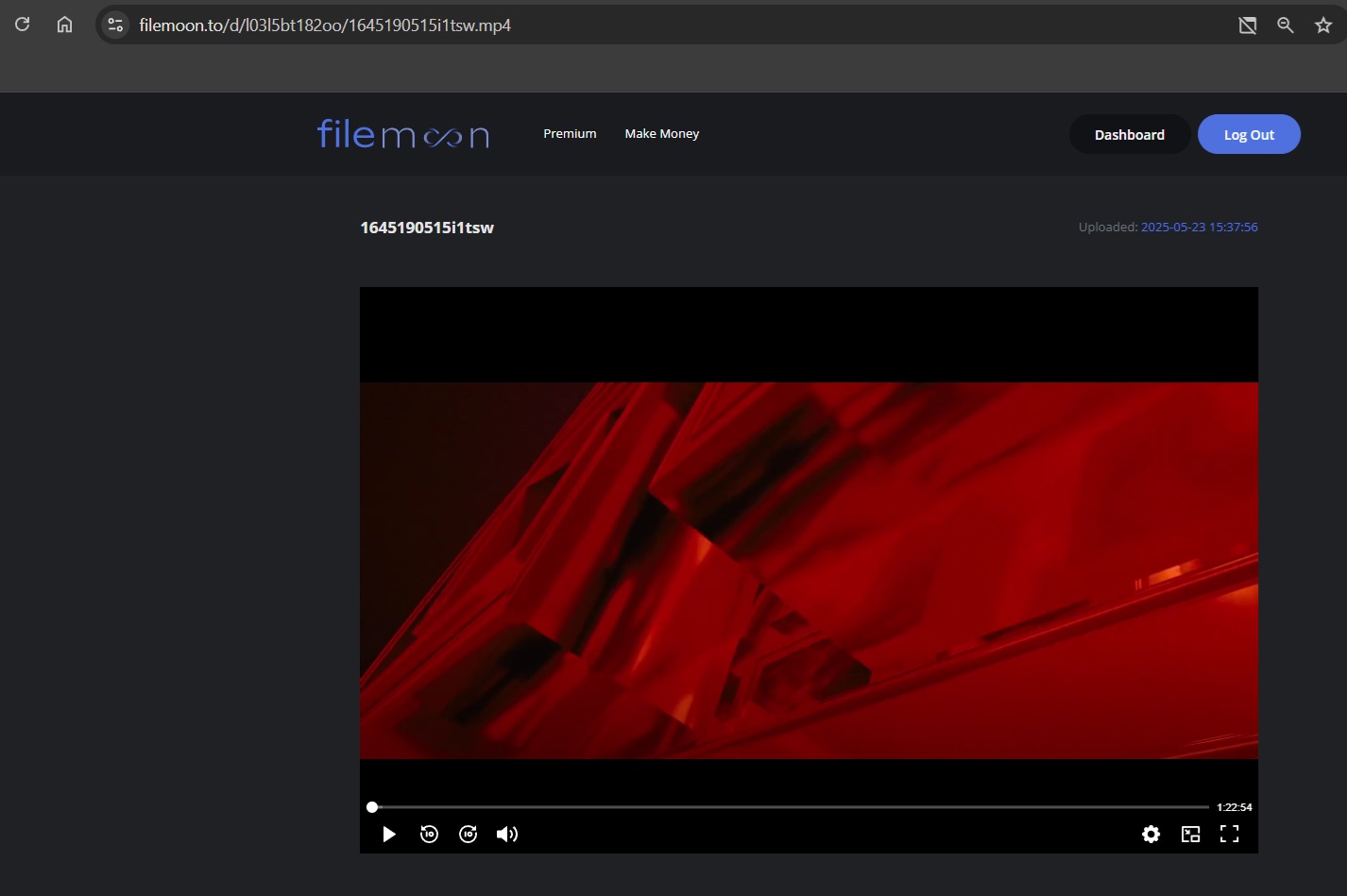
Here are proofs how video is working normally and subtitles are bugged:

Video-working-is-transfered.jpg
Subtitle-bugged.jpg
 
There is no bug. File is in transfer to new server and queues there are 500k files per disk cluster as we migrate away ultra old servers to new ones. Patience nothing else is needed. FYI it's not hard to embed subtitles via player, no need uploading :nerd:

Also please remote the photos from your post.
 
Last edited:
Hi there,

I wrote in chat on website but no one is answering for a while. I am experiencing an issue with transfering videos to Filemoon. Exactly, when I do Remote upload, normally there is a time while video is transfering to Filemoon server but even when is done, I can play video but cant upload subtitles on it. Its like this option is bugged. It started yesterday, and it happens from time to time, but now is happening most of the times and I cant place videos without subtitles on my website. Can you please check where is a problem and fix it? I even left video 24h and still doesnt working.
Post automatically merged:

Okay, understood. How long until you finish with transfering to new server so everything work just fine?

From some reason, I can t edit my previous post, I don t know why.

Concerning embedding subtitles via player, I don t know for that, if you can help me and explain how to do it, I would appreciate it.

Thank you.
 
Last edited:
Post automatically merged:

Okay, understood. How long until you finish with transfering to new server so everything work just fine?

From some reason, I can t edit my previous post, I don t know why.

Concerning embedding subtitles via player, I don t know for that, if you can help me and explain how to do it, I would appreciate it.

Thank you.

It's explained in the API docs under remote subtitles section.
 
What is going on right now with my videos?

Everything was just fine before I wrote here to you about my problem, now my videos have been erasing abnormally. What is happening???

Why are you deleting my videos now from my account?
 
We've just deleted broken files, you're not alone in this situation, more than 15k users will have some files deleted as our systems have detected that those files are not playable.
 
Ok I know that I'm slow but... how do I move files into different folders?
I've trying to figure this out for 30 minutes... What am I missing?

On top of videos table you have icons there (on the right side of the table):

Videos - > Select files you want to move -> click the square with arrow icon -> select folder -> click move.
 
Status
Not open for further replies.
Back
Top