Guest viewing limit reached
- You have reached the maximum number of guest views allowed
- Please register below to remove this limitation
- Already a member? Click here to login


You are using an out of date browser. It may not display this or other websites correctly.
You should upgrade or use an alternative browser.
You should upgrade or use an alternative browser.
VidGuard.to - Discussion
- Thread starter VidGuard
- Start date



1,393 comments

AnimeBasenet
Active Member
Works without problemsStatus: Resolving address of ftp.vidguard.to
Status: Connection attempt failed with "EAI_NONAME - Neither nodename nor servname provided, or not known".
Error: Could not connect to server
Status: Waiting to retry...
Status: Resolving address of ftp.vidguard.to
Status: Connection attempt failed with "EAI_NONAME - Neither nodename nor servname provided, or not known".
Error: Could not connect to server
Post automatically merged:
FTP worked for me until yesterday, now only web upload
 tested 5 Minutes ago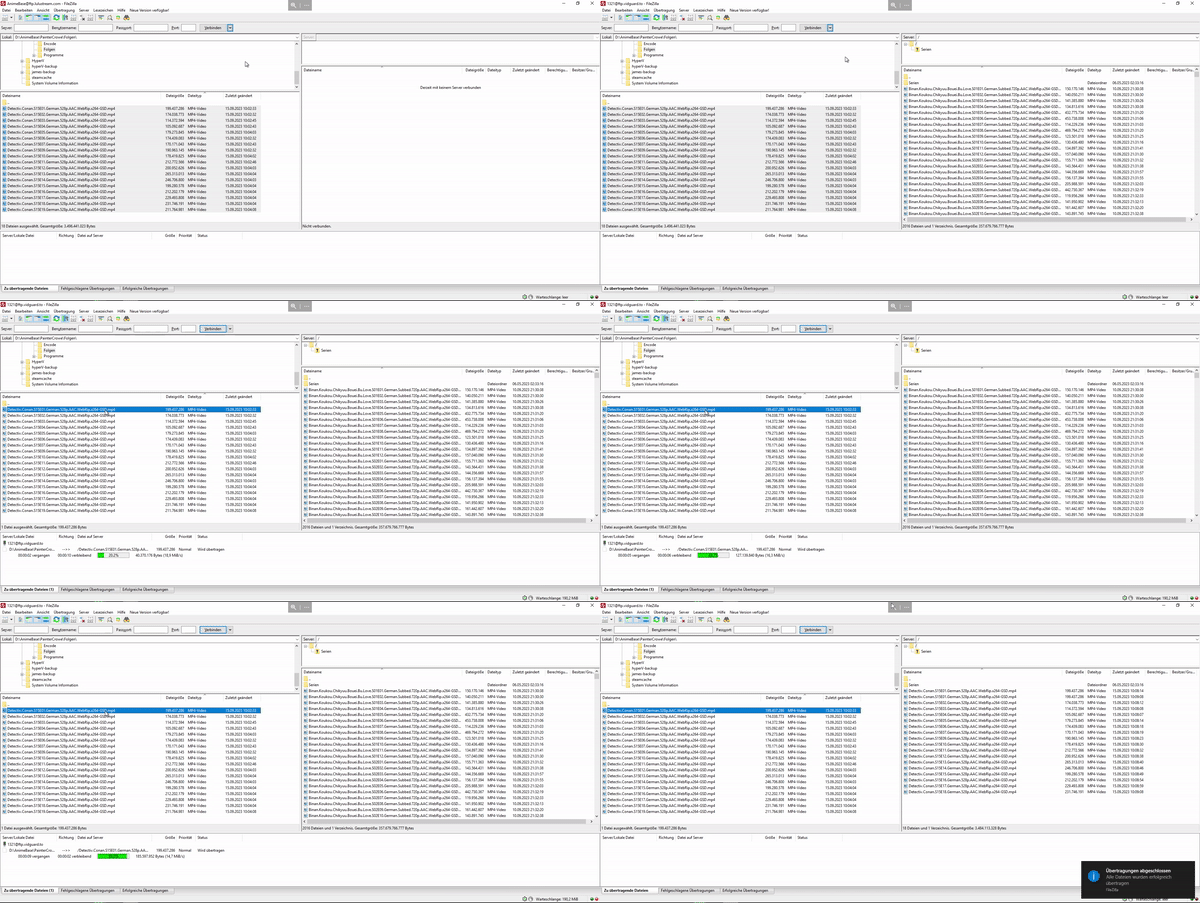
Looks like the name server of ftp.vidguard.to on his side was not found.Works without problems
Base on the error "Neither nodename nor servname provided, or not known".
Try flushing your dns. ipconfig /flusdns

still not working.Looks like the name server of ftp.vidguard.to on his side was not found.
Base on the error "Neither nodename nor servname provided, or not known".
Try flushing your dns. ipconfig /flusdns
Post automatically merged:
FTP seems to be working now.
Last edited:


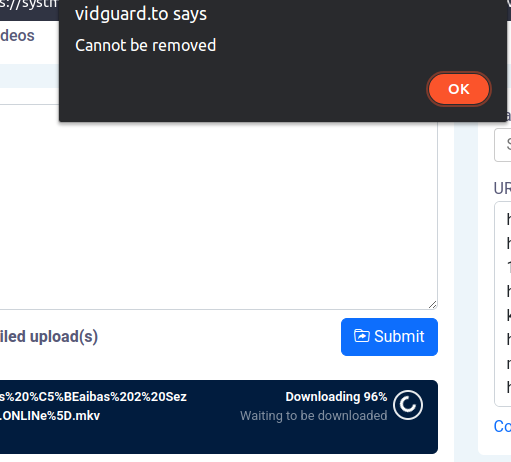
AnimeBasenet
Active Member
thx for the fast payment 



ulrichstern619
Active Member
@VidGuard video don't work https://vembed.net/v/YWA8E9pRWoxGmMw
The server was done, rebooted. Thanks!@VidGuard video don't work https://vembed.net/v/YWA8E9pRWoxGmMw
ulrichstern619
Active Member
the video doesn't work for me, and for you? https://vembed.net/v/k3gG5qo0KoE1N2b
o vídeo não funciona para mim e para você? https://vembed.net/v/k3gG5qo0KoE1N2b
No... The media could not be loaded, either because the server or network failed or because the format is not supported.


ulrichstern619
Active Member
some videos can't be played and vidguard doesn't solve the problem 
AnimeBasenet
Active Member
maybe wrong video formatsome videos can't be played and vidguard doesn't solve the problem
 or an upload error try an reupload
komitolita
Active Member
For my part, the video worksthe video doesn't work for me, and for you? https://vembed.net/v/k3gG5qo0KoE1N2b

work for methe video doesn't work for me, and for you? vembed.net/v/k3gG5qo0KoE1N2b
Last edited:
It should work now, the file server was down so our team had to restart it.work for me
I also have the same problem, now it happens more and more often almost every 3 files I load "The media could not be loaded, either because the server or network failed or because the format is not supported", but it is not a problem of the format, because all the files I upload all have the same exact format compatible with everything, it will be a server problem, so I hope they can solve the problem as soon as possible...
Dohwan Woo
Active Member
same problem herreeeI also have the same problem, now it happens more and more often almost every 3 files I load "The media could not be loaded, either because the server or network failed or because the format is not supported", but it is not a problem of the format, because all the files I upload all have the same exact format compatible with everything, it will be a server problem, so I hope they can solve the problem as soon as possible...
Try re-uploading the videos, it will be moved to another file server. We are constantly checking our file servers and communicating to our server provider to check it's hardware.I'm also having this problem, can you fix this please @VidGuard ?